DMS workflow
Using Bayworks alongside Dealertrack and PBS
The job ends with a saved story on the right repair line.
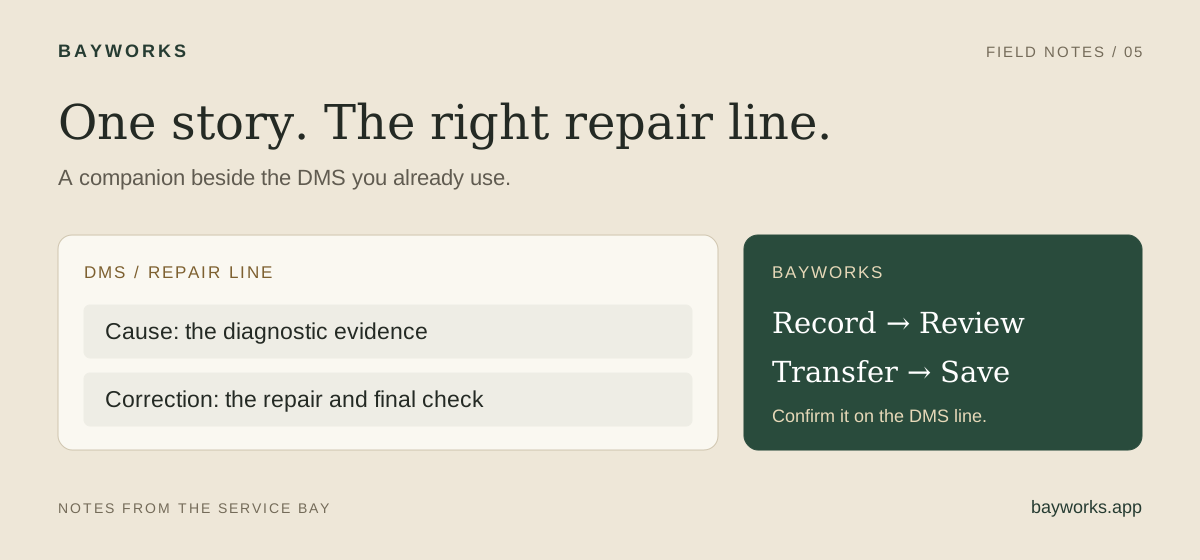
You finish a story in one window, switch back to the DMS, and find three repair lines staring at you. The draft is ready. Now comes the part nobody timed: finding the right line, moving the text, checking it, and saving.
That last stretch can swallow the minutes a writing tool just saved.
The useful finish line is one accurate story, saved in the right place.
Same goal, different workstations
Dealertrack and PBS do not use the same screen or installation. The Dealertrack workflow uses a browser side panel. PBS V10 uses a Windows companion that docks beside the desktop application. The repair order remains in the dealership's DMS.
Confirm the supported workstation setup and dealership access during onboarding. A successful installation is only the start; the technician should walk one approved training job through to a saved story.
| Step | Dealertrack | PBS V10 |
|---|---|---|
| Open the workflow | Bayworks browser side panel on supported RO/technician-entry screens. | Bayworks Windows companion beside PBS. |
| Select the destination | Confirm the intended RO and repair line. | Open Tech Notes on the intended repair line. |
| Review and transfer | Review the draft and filled cause/correction fields. | Review the draft in the open cause/correction boxes. |
| Finish saving | Complete the normal Dealertrack line save. | Press Ok in PBS, then confirm the saved line. |
Dealertrack: keep the RO in view
Open the supported repair-order or technician-entry screen and sign in to Bayworks in the panel. Confirm the RO and line before recording. That check matters most when a vehicle has several concerns or you have been switching between jobs.
Describe the findings and completed work, then review the cause and correction. The extension fills the Dealertrack fields so you do not have to retype the same paragraphs. Read the destination fields as well as the draft, especially component locations and technical identifiers.
Complete the normal save in Dealertrack. Seeing words in a field is not the same as having a saved repair record. Confirm the result on the intended line before opening the next job.
Keep one complete line as the first training exercise. The team should be comfortable with the destination and save step before trying a complicated multi-line visit.
PBS: finish in Tech Notes
Install the Bayworks Windows companion using the PBS download page and complete the dealership setup with the team. Open PBS V10, find the correct repair line, and open Tech Notes. The companion follows that line beside PBS.
Record the diagnosis, correction, or both as appropriate. The generated draft fills the open cause and correction boxes. Review the details in those boxes and press Ok in PBS to save. Confirm the story is attached to the intended line.
Practice on the workstation layout the technician will actually use. Window placement and switching habits are part of the task. A demonstration on someone else's laptop does not answer whether the daily workflow feels natural at the shop terminal.
Reference: Bayworks for PBS: Windows companion download.
Four handoff mistakes to catch early
1. The wrong line is active. A correct story can still become an incorrect record if it lands under another concern. Fix: check the vehicle, RO, line, and component before recording and again before saving.
2. The draft is mistaken for the saved result. Text appears, so the technician moves on. Fix: make the DMS save step part of training and confirm persistence on the line. Stop the timer there, not when the first words appear.
3. A failed transfer triggers repeated attempts. The technician retries without checking whether any text arrived. Fix: inspect the destination first. Resolve a partial result before trying again so you do not leave duplicate paragraphs or overwrite a useful edit.
4. The story sounds polished, so nobody reviews it. A misheard code or wrong side survives because the sentence reads smoothly. Fix: check the identifiers, measurements, completed work, and final result against the technician's account.
If a workstation behaves differently from the supported flow, keep the original account available and use the shop's normal documentation process while the setup is resolved.
Measure from recording to saved line
Take ten similar stories before the pilot and ten during it. Record start time, saved time, corrections, and any later clarification from the advisor. Keep the job types comparable so a batch of short maintenance lines does not make a new workflow look faster than it is.
Here is an illustrative estimate. If each of eight daily stories takes 90 fewer seconds to review, transfer, and save, that frees 12 minutes per technician per day. For six technicians over 22 days: 12 × 6 × 22 ÷ 60 = 26.4 hours.
At an assumed loaded cost of $35 an hour, that is $924 of staff-time value. It is not a promised Bayworks saving, additional labor sales, or an automatic reduction in payroll. Compare the measured result with the tool cost and the quality of the saved stories.
Ask the warranty administrator whether the number of clarification requests changed. The goal is less total work across the handoff, not a quicker first draft followed by more cleanup.
Keep a one-line finish routine
Copy this checklist into your onboarding notes. Run it once with the trainer, then have the technician repeat it independently on an approved training example.
Record, review, save
Select and copy this checklist into your shop notes.
[ ] Confirm the supported setup and dealership sign-in.

[ ] Match the vehicle, RO, repair line, and concern.

[ ] Record the actual findings and completed work.

[ ] Review numbers, codes, locations, and the final check.

[ ] Inspect the destination fields for the complete, correct story.

[ ] Complete the DMS save and confirm the result on the line.

[ ] Check for partial or duplicate text before retrying a transfer.
Common questions
Is the PBS version a Chrome extension?
No. Bayworks for PBS is a Windows companion application. The Dealertrack side-panel workflow uses a browser extension. Confirm the appropriate setup with the Bayworks team.
Does Bayworks replace our DMS?
No. It helps technicians prepare and transfer repair documentation alongside their existing workflow. The dealership continues to use its DMS for the repair order and normal business processes.